Quick reference
EditScr screenshot editor keyboard shortcuts
Use shortcuts to keep your attention on the screenshot instead of moving between tools. Tool shortcuts work when you are not currently typing in a text label.
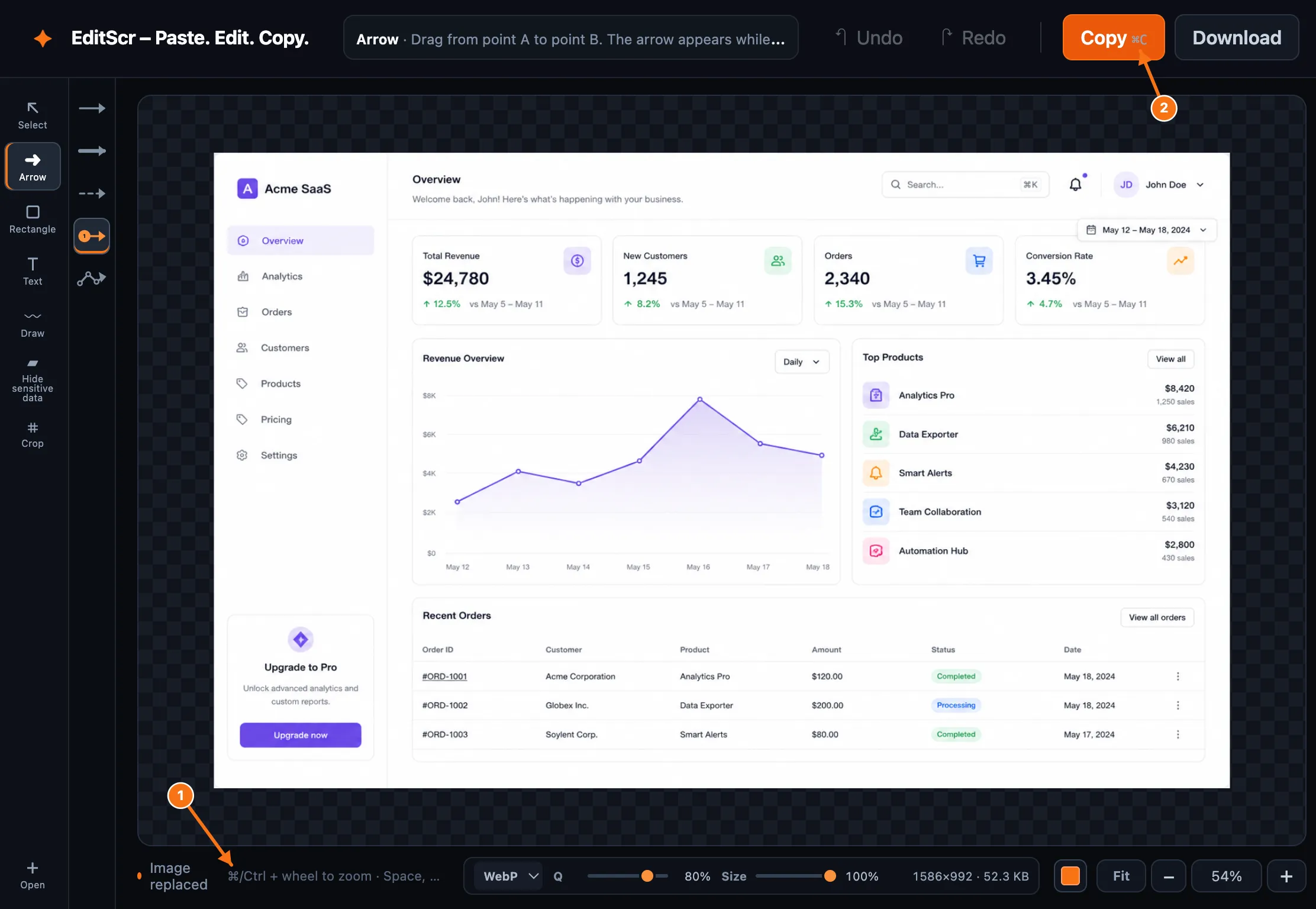
Try the shortcuts in the editor.
Open EditScrTools
| Shortcut | Action |
|---|---|
| V | Select and edit annotations |
| A | Arrow tool |
| R | Shape tool |
| T | Text tool |
| D | Draw tool |
| B | Hide sensitive data tool |
| C | Crop tool |
Edit and clipboard
| Shortcut | Action |
|---|---|
| Ctrl/⌘ + C | Copy the finished screenshot as PNG |
| Ctrl/⌘ + Z | Undo |
| Ctrl/⌘ + Shift + Z | Redo |
| Ctrl + Y | Redo on Windows/Linux |
| Delete or Backspace | Delete the selected annotation |
| Esc | Return to the Select tool |
View and navigation
| Shortcut | Action |
|---|---|
| + | Zoom in |
| - | Zoom out |
| 0 | Fit the image to the workspace |
| 1 | Show actual size |
| ⌘/Ctrl + mouse wheel | Zoom with the pointer |
| Space or middle mouse button | Pan around a zoomed image |
| Shift while drawing | Keep a freehand stroke horizontal or vertical |
Crop shortcut
After drawing a crop area, select Apply crop in the top bar or double-click in the workspace. Press Esc to return to Select if you want to leave crop mode.